
Jujutsu Beatdown Parkour and Wall Run Guide
Use city walls, obstacles and rooftops to move around Jujutsu Beatdown. On PC, combine movement keys and jumps with dash and slide to navigate the streets.
On PC, move toward a wall with WASD and jump against it. Face the direction you want to travel, then jump again to leave the wall. In a narrow alley, move closer to the wall you want to use. Geppo is V2's air jump, replacing the old double jump.
City Movement Controls
On PC, press Q to dash and Ctrl to slide. V2 parkour also includes vaulting over low obstacles, climbing to higher surfaces and swinging across the city.
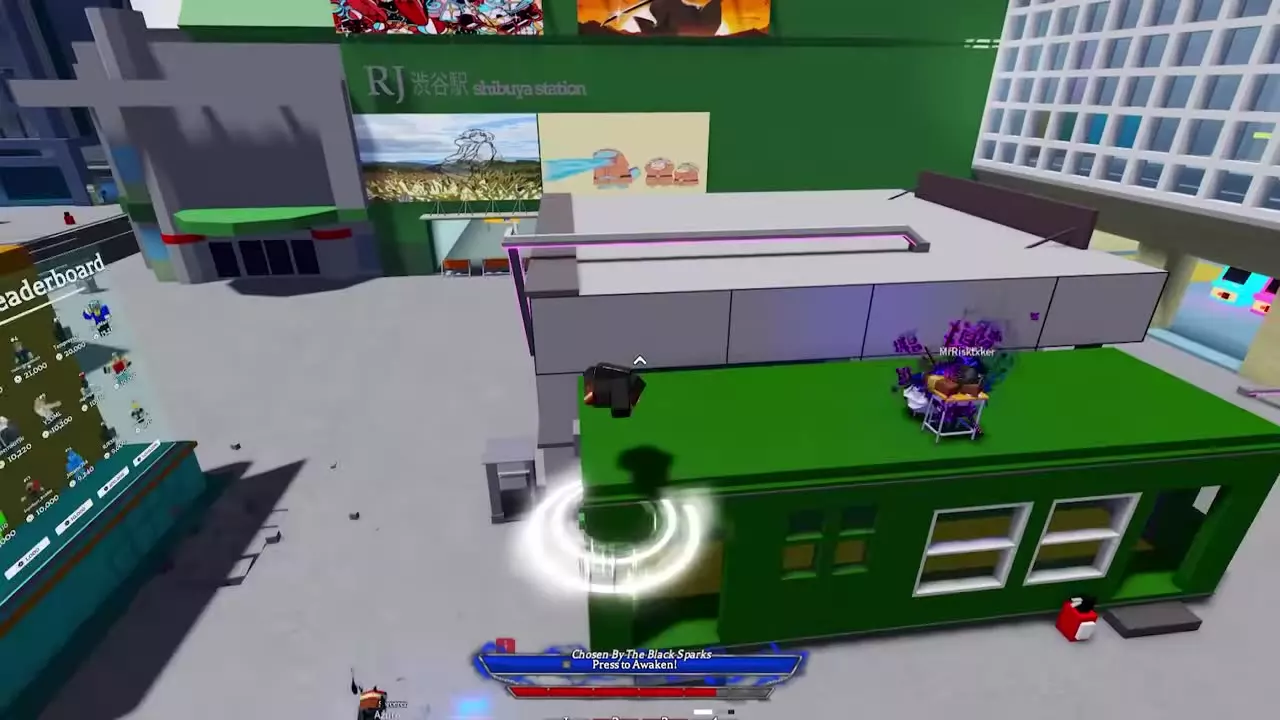
Use the terrain to build a route: from the plaza, you can jump onto the green building's roof. For the full default inputs and device layouts, see controls and keybinds. The city map and subway route covers landmarks and navigation.
Wall Run and Jump Away
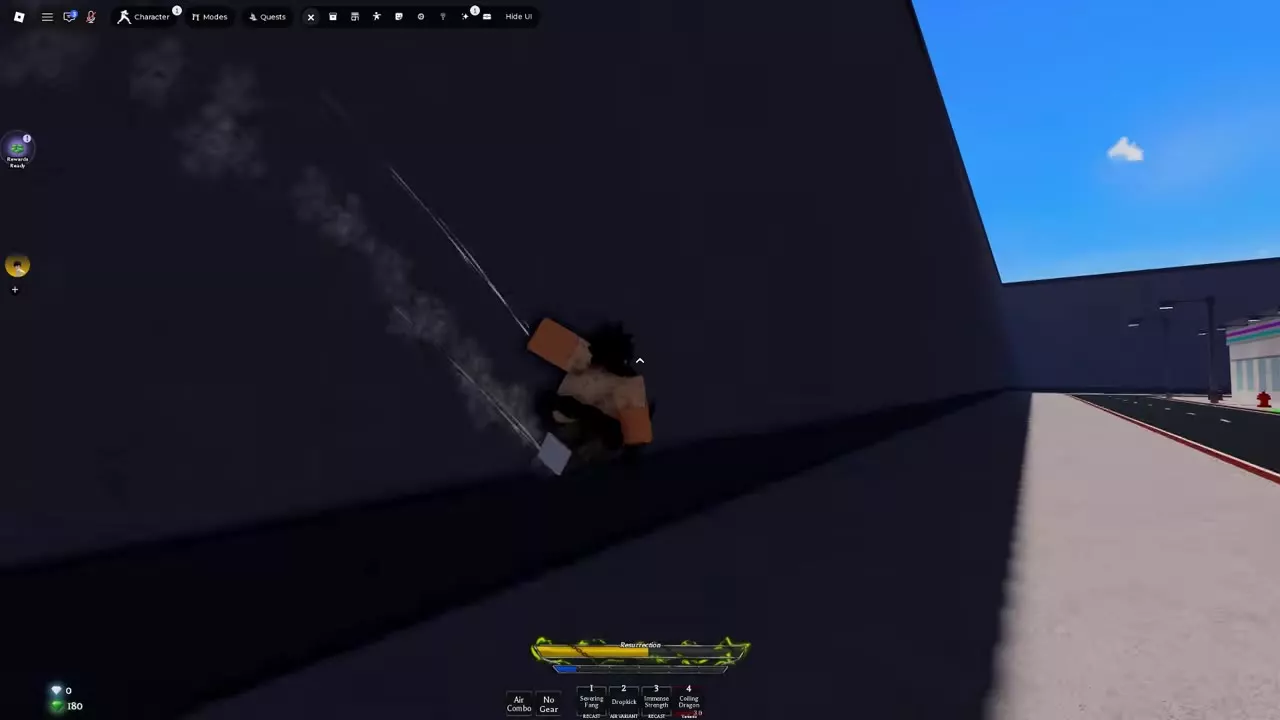
- Approach a wall and use WASD to move toward it.
- Jump against the wall to start a brief wall run.
- Face the direction you want to travel along the wall.
- Jump again to push away into open space.
In an alley between two walls, the nearer wall is selected. Move closer to your intended side before jumping. Wall runs can carry past pillars and surface bumps, including the Library's glass panes.
Geppo and Character Movement
Geppo is V2's air jump: it lets you jump while airborne and replaces the old double jump.
Heavenbound has an enhanced teleport dash for closing distance or repositioning. It consumes the character's meter or can be used while empowered. See the character list for Heavenbound's moves and character-specific options.