
Jujutsu Beatdown Build Mode and Discovery Uploads
Create a custom Jujutsu Beatdown map in a private server, then save it, build with friends, or share it through Discovery.
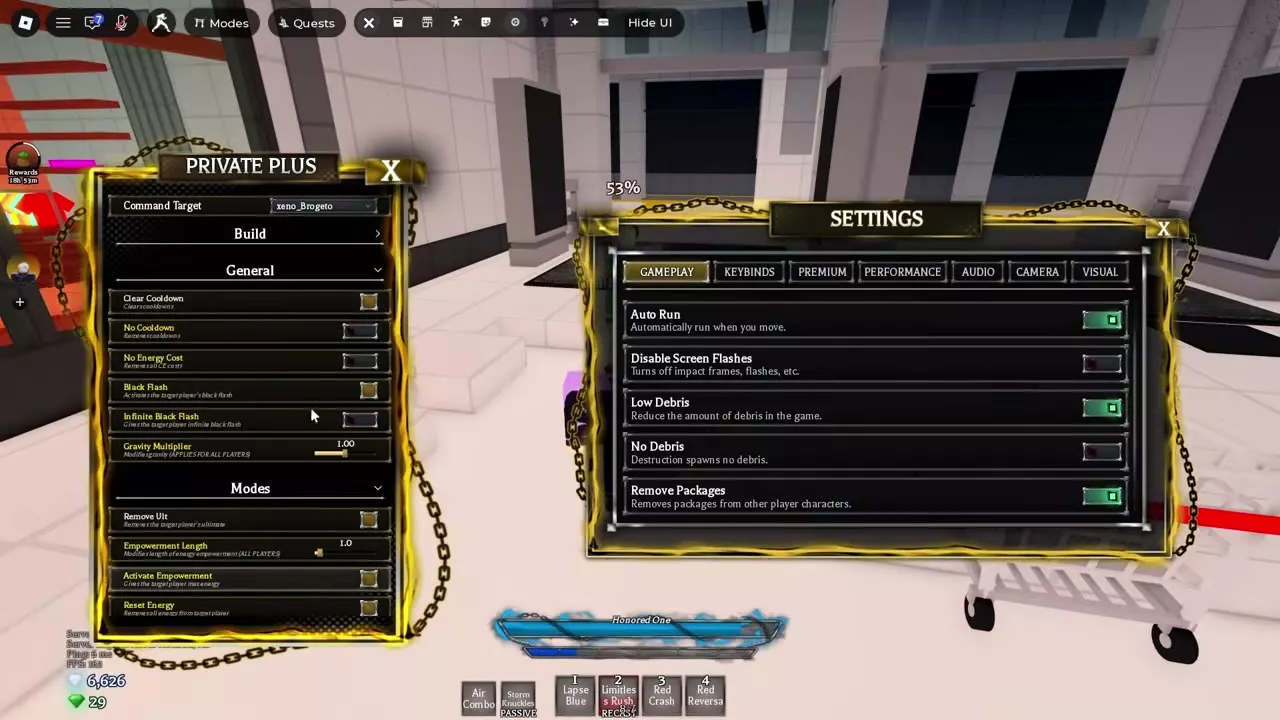
Join a private server and open Build at the top of the Private Plus panel. Choose a preset, edit your map with the building tools, Explorer, and Properties, then save it or upload it through Discovery. Build Mode is free.
Open Build and Choose a Preset
Join a private server, open the Private Plus panel, and select Build at the top. Build Mode is free to use.
Choose a starting point for your map:
- Baseplate: Start with a flat floor and add your own structures.
- Blank project: Build the entire map from scratch.
- Old Jujutsu Beatdown map: Start with existing terrain and structures.
Switching presets teleports you above the new map. For private-server training and event settings, see Private Server Commands and Training.
Place, Organize and Reuse Objects
Place models and resize them to shape your map. Scaling keeps a model’s parts in proportion, while block logic lets you add custom effects.
Use Explorer to find and organize objects. Drag and drop items in the hierarchy, search for them, and collapse branches to keep the tree manageable. Adding or selecting a child expands the tree to reveal it. In Properties, edit texture instance properties and use the tweening options for Property Switch.
Keep favorite pieces in Inventory for future builds, or choose assets from its catalog. Add frequently used builds and custom pieces to the Quick Access Hotbar to place them again quickly. On mobile, use flight and the jump button to move around while building.
Save, Collaborate and Publish
Save your project to keep your work, and load it when you want to continue building. Friends in the same private server can help: assign a friend as an editor to edit the build, or as a co-owner to give them the same full access as the owner.
To share the finished map publicly, open Discovery in Build Mode and use its upload option. Other players can browse, download, and like uploaded maps. Under the April 17, 2026 Build Mode rules, deleting a published map returns the upload slot it occupied.